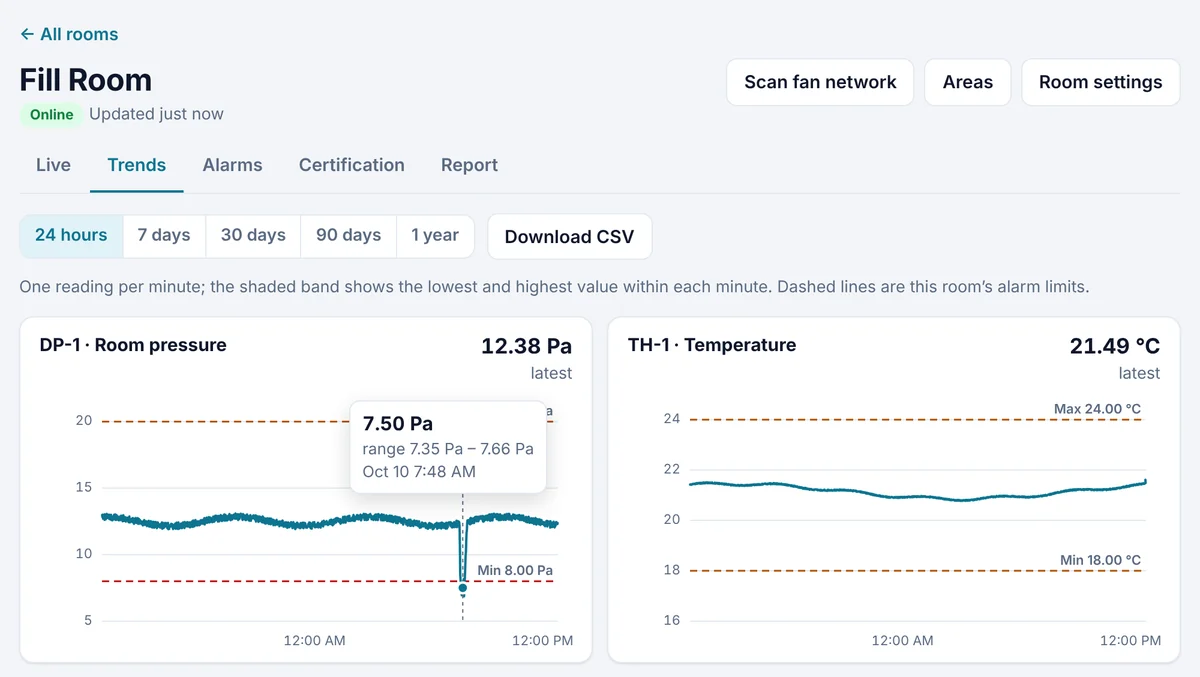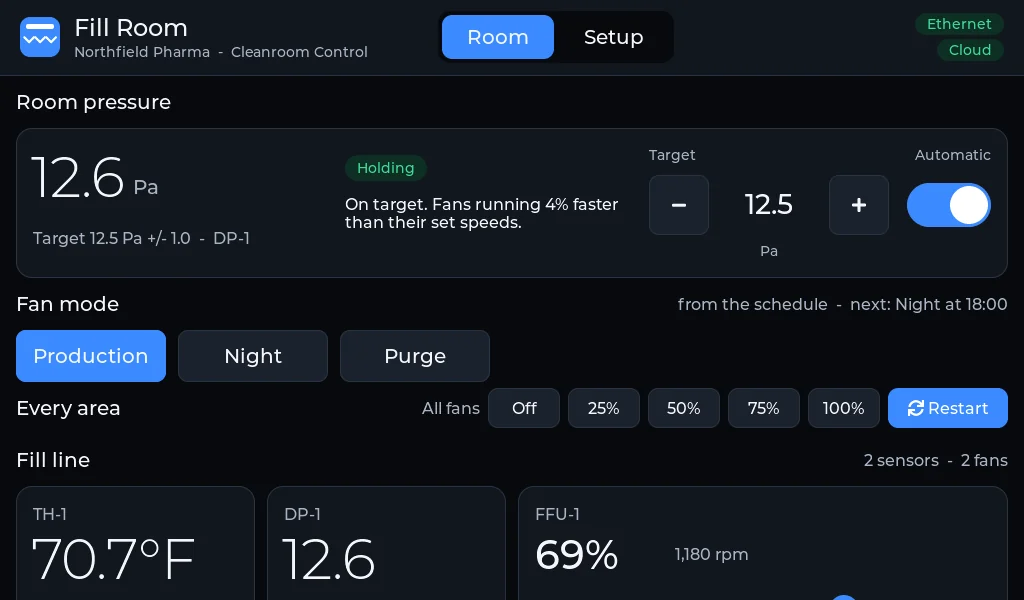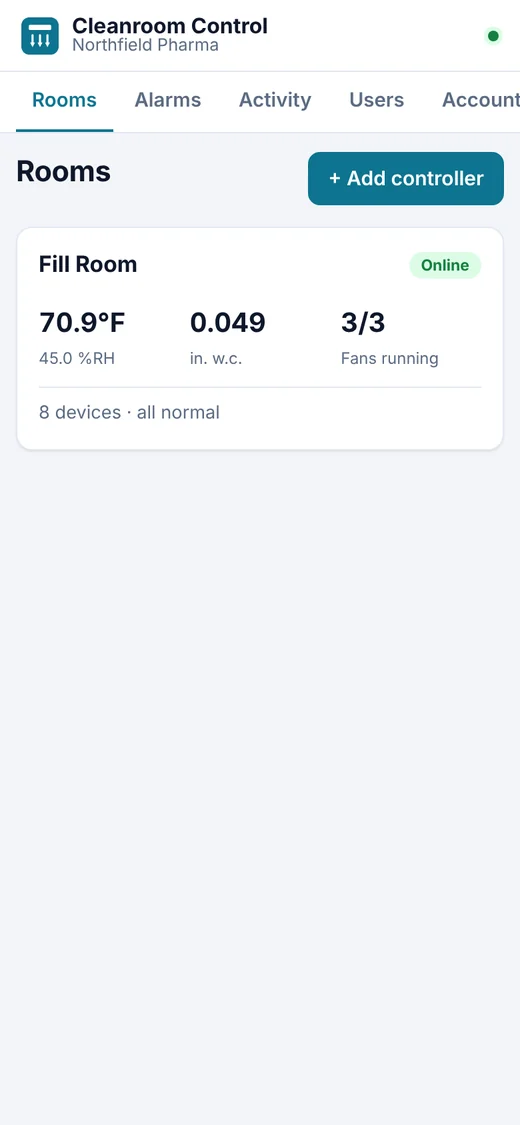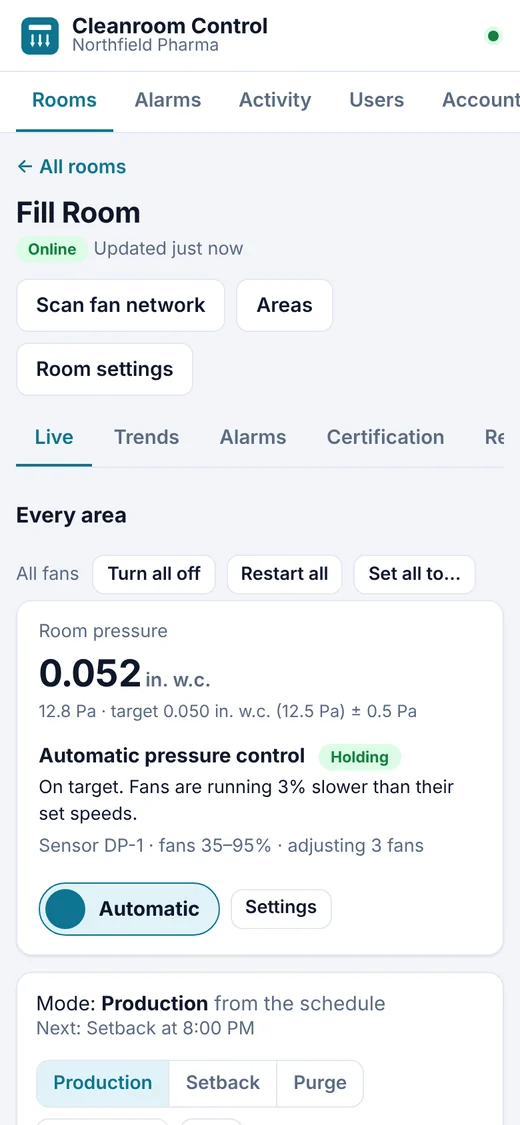
One Pyr controller per room. Everything else happens in the app.
1
Install the Pyr controller
Mount the touchscreen in the room and give it power and a network connection: Ethernet, with Wi-Fi as a backup. It's named after the Great Pyrenees, the dog that guards its flock day and night.
2
Pair it to your account
The screen shows a pairing code. Enter the code in the app and the room appears on your account.
3
Find your equipment
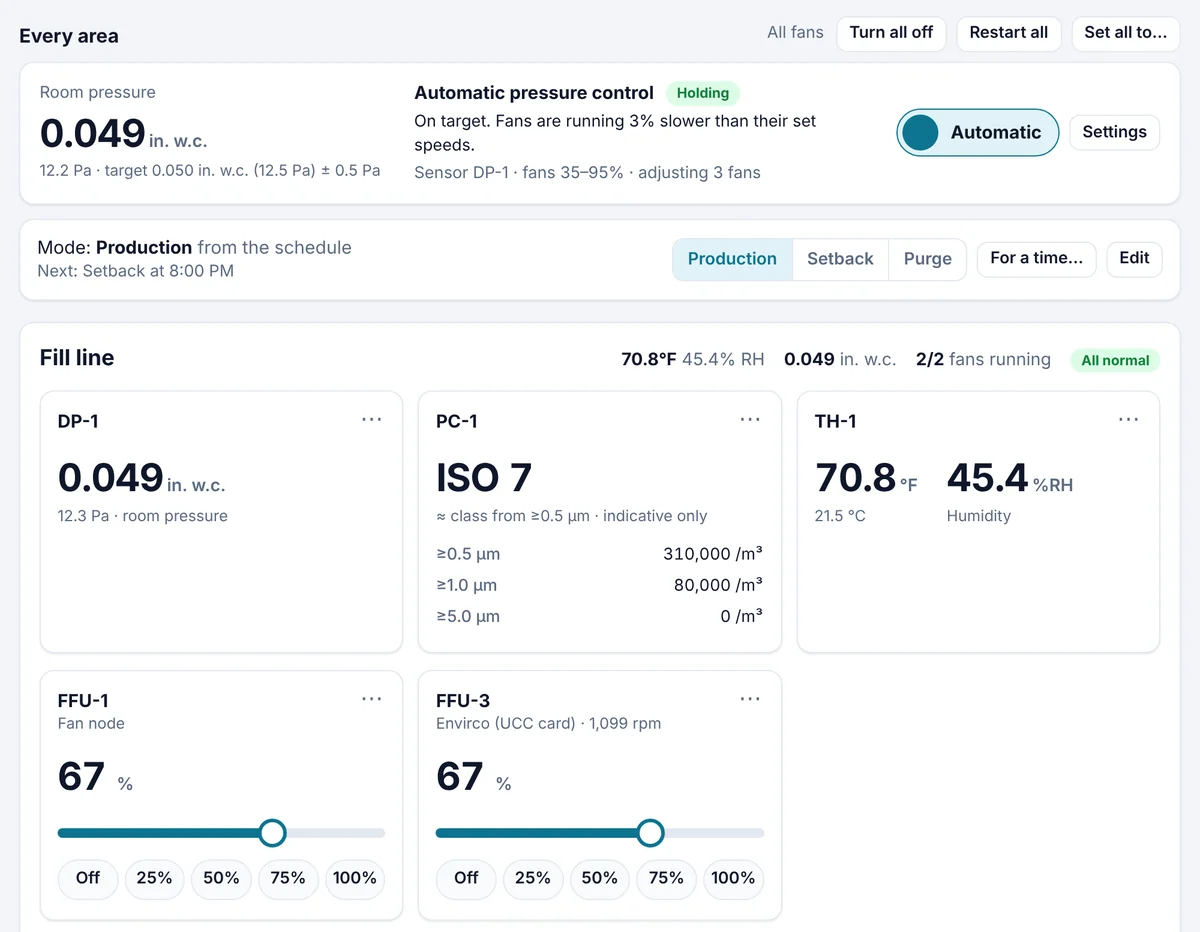
Connect your fan filter units and sensors. The controller finds each one and names it — FFU-1, FFU-2, TH-1 — with no programming, and they appear on the screen and in the app.
Setting one up?The Quick Start guide walks through every step with real screens: install, get online, pair and set up the room.
 Scan to open the guide on your phone at the controller